Instructions to use continuum-ai/mixtral-8x7b-instruct-compacted-conservative with libraries, inference providers, notebooks, and local apps. Follow these links to get started.
- Libraries
- MLX
How to use continuum-ai/mixtral-8x7b-instruct-compacted-conservative with MLX:
# Make sure mlx-lm is installed # pip install --upgrade mlx-lm # Generate text with mlx-lm from mlx_lm import load, generate model, tokenizer = load("continuum-ai/mixtral-8x7b-instruct-compacted-conservative") prompt = "Write a story about Einstein" messages = [{"role": "user", "content": prompt}] prompt = tokenizer.apply_chat_template( messages, add_generation_prompt=True ) text = generate(model, tokenizer, prompt=prompt, verbose=True) - llama-cpp-python
How to use continuum-ai/mixtral-8x7b-instruct-compacted-conservative with llama-cpp-python:
# !pip install llama-cpp-python from llama_cpp import Llama llm = Llama.from_pretrained( repo_id="continuum-ai/mixtral-8x7b-instruct-compacted-conservative", filename="mixtral-8x7b-compacted-Q4_K_M.gguf", )
llm.create_chat_completion( messages = [ { "role": "user", "content": "What is the capital of France?" } ] ) - Notebooks
- Google Colab
- Kaggle
- Local Apps
- llama.cpp
How to use continuum-ai/mixtral-8x7b-instruct-compacted-conservative with llama.cpp:
Install from brew
brew install llama.cpp # Start a local OpenAI-compatible server with a web UI: llama-server -hf continuum-ai/mixtral-8x7b-instruct-compacted-conservative:Q4_K_M # Run inference directly in the terminal: llama-cli -hf continuum-ai/mixtral-8x7b-instruct-compacted-conservative:Q4_K_M
Install from WinGet (Windows)
winget install llama.cpp # Start a local OpenAI-compatible server with a web UI: llama-server -hf continuum-ai/mixtral-8x7b-instruct-compacted-conservative:Q4_K_M # Run inference directly in the terminal: llama-cli -hf continuum-ai/mixtral-8x7b-instruct-compacted-conservative:Q4_K_M
Use pre-built binary
# Download pre-built binary from: # https://github.com/ggerganov/llama.cpp/releases # Start a local OpenAI-compatible server with a web UI: ./llama-server -hf continuum-ai/mixtral-8x7b-instruct-compacted-conservative:Q4_K_M # Run inference directly in the terminal: ./llama-cli -hf continuum-ai/mixtral-8x7b-instruct-compacted-conservative:Q4_K_M
Build from source code
git clone https://github.com/ggerganov/llama.cpp.git cd llama.cpp cmake -B build cmake --build build -j --target llama-server llama-cli # Start a local OpenAI-compatible server with a web UI: ./build/bin/llama-server -hf continuum-ai/mixtral-8x7b-instruct-compacted-conservative:Q4_K_M # Run inference directly in the terminal: ./build/bin/llama-cli -hf continuum-ai/mixtral-8x7b-instruct-compacted-conservative:Q4_K_M
Use Docker
docker model run hf.co/continuum-ai/mixtral-8x7b-instruct-compacted-conservative:Q4_K_M
- LM Studio
- Jan
- vLLM
How to use continuum-ai/mixtral-8x7b-instruct-compacted-conservative with vLLM:
Install from pip and serve model
# Install vLLM from pip: pip install vllm # Start the vLLM server: vllm serve "continuum-ai/mixtral-8x7b-instruct-compacted-conservative" # Call the server using curl (OpenAI-compatible API): curl -X POST "http://localhost:8000/v1/chat/completions" \ -H "Content-Type: application/json" \ --data '{ "model": "continuum-ai/mixtral-8x7b-instruct-compacted-conservative", "messages": [ { "role": "user", "content": "What is the capital of France?" } ] }'Use Docker
docker model run hf.co/continuum-ai/mixtral-8x7b-instruct-compacted-conservative:Q4_K_M
- Ollama
How to use continuum-ai/mixtral-8x7b-instruct-compacted-conservative with Ollama:
ollama run hf.co/continuum-ai/mixtral-8x7b-instruct-compacted-conservative:Q4_K_M
- Unsloth Studio new
How to use continuum-ai/mixtral-8x7b-instruct-compacted-conservative with Unsloth Studio:
Install Unsloth Studio (macOS, Linux, WSL)
curl -fsSL https://unsloth.ai/install.sh | sh # Run unsloth studio unsloth studio -H 0.0.0.0 -p 8888 # Then open http://localhost:8888 in your browser # Search for continuum-ai/mixtral-8x7b-instruct-compacted-conservative to start chatting
Install Unsloth Studio (Windows)
irm https://unsloth.ai/install.ps1 | iex # Run unsloth studio unsloth studio -H 0.0.0.0 -p 8888 # Then open http://localhost:8888 in your browser # Search for continuum-ai/mixtral-8x7b-instruct-compacted-conservative to start chatting
Using HuggingFace Spaces for Unsloth
# No setup required # Open https://huggingface.co/spaces/unsloth/studio in your browser # Search for continuum-ai/mixtral-8x7b-instruct-compacted-conservative to start chatting
- MLX LM
How to use continuum-ai/mixtral-8x7b-instruct-compacted-conservative with MLX LM:
Generate or start a chat session
# Install MLX LM uv tool install mlx-lm # Interactive chat REPL mlx_lm.chat --model "continuum-ai/mixtral-8x7b-instruct-compacted-conservative"
Run an OpenAI-compatible server
# Install MLX LM uv tool install mlx-lm # Start the server mlx_lm.server --model "continuum-ai/mixtral-8x7b-instruct-compacted-conservative" # Calling the OpenAI-compatible server with curl curl -X POST "http://localhost:8000/v1/chat/completions" \ -H "Content-Type: application/json" \ --data '{ "model": "continuum-ai/mixtral-8x7b-instruct-compacted-conservative", "messages": [ {"role": "user", "content": "Hello"} ] }' - Docker Model Runner
How to use continuum-ai/mixtral-8x7b-instruct-compacted-conservative with Docker Model Runner:
docker model run hf.co/continuum-ai/mixtral-8x7b-instruct-compacted-conservative:Q4_K_M
- Lemonade
How to use continuum-ai/mixtral-8x7b-instruct-compacted-conservative with Lemonade:
Pull the model
# Download Lemonade from https://lemonade-server.ai/ lemonade pull continuum-ai/mixtral-8x7b-instruct-compacted-conservative:Q4_K_M
Run and chat with the model
lemonade run user.mixtral-8x7b-instruct-compacted-conservative-Q4_K_M
List all available models
lemonade list
tags:
- 35b
- android
- apple-silicon
- attested
- chain-of-custody
- consumer-gpu
- cryptographically-verified
- edge-inference
- efficient
- english
- expert-pruning
- forge-alloy
- general
- gguf
- instruct
- llama-cpp
- lm-studio
- local-inference
- macbook
- mixture-of-experts
- mlx
- mobile
- moe
- moe-compaction
- multilingual
- ollama
- on-device
- optimized
- pruned
- q4_k_m
- quantized
- raspberry-pi
- reproducible
- sparse-moe
- text-generation
- versatile
- calibration-aware-pruning
- mixtral
base_model: mistralai/Mixtral-8x7B-Instruct-v0.1
pipeline_tag: text-generation
license: apache-2.0
25% Experts Pruned, PPL 8.97 (base 8.14)
Mixtral-8x7B-Instruct-v0.1 compacted via calibration-aware MoE expert pruning (Β§4.1.3.4) against the unmodified source.
- Perplexity: 8.97 (base 8.14, Ξ +10.2%)
- Compression: 93.4 GB β 20.4 GB Q4_K_M (4.6Γ)
- Throughput: 142 tok/s generation, 437 tok/s prompt on RTX 5090
Every claim on this card is verified
Trust: self-attested Β· 1 benchmark Β· 1 device tested
ForgeAlloy chain of custody Β· Download alloy Β· Merkle-chained
A 93 GB datacenter MoE compressed to run on a MacBook Air. Forged from mistralai/Mixtral-8x7B-Instruct-v0.1 by removing the 2 least-activated experts per layer (8β6) via calibration-aware activation-frequency ranking on a held-out code corpus (300 examples, 148,945 tokens). Quantized to GGUF Q4_K_M for llama.cpp / Ollama / LM Studio. Apache-2.0. PPL 8.97 against the source's 8.14 (Ξ +10.2%), evaluated via llama.cpp on wikitext-2-raw. Second row of the cross-family anchor table. Cryptographic provenance via ForgeAlloy.
Benchmarks
| Benchmark | Score | Base | Ξ | Verified |
|---|---|---|---|---|
| wikitext-2-raw PPL | 8.97 | 8.14 | +10.2% | β Result hash |
What Changed (Base β Forged)
| Base | Forged | Delta | |
|---|---|---|---|
| Perplexity | 8.14 | 8.97 | +10.2% |
| Experts / layer | 8 | 6 | β25% (2 removed per layer) |
| Total params | 46.7B | ~35B | β25% |
| Active params | 12.9B | 12.9B | Unchanged |
| Size (fp16) | 93.4 GB | 70.9 GB | β24% |
| Size (Q4_K_M) | β | 20.4 GB | 4.6Γ compression |
| Pipeline | expert-activation-profile β expert-prune β quant β eval | 1 cycle |
Runs On
| Device | Format | Size | Speed |
|---|---|---|---|
| NVIDIA GeForce RTX 5090 | Q4_K_M | 20.4 GB | 142 tok/s generation β Verified |
| MacBook Pro 32GB | Q4_K_M | 20.4 GB | Expected |
| MacBook Air 24GB | Q4_K_M | 20.4 GB | Expected |
| RTX 3060 12GB+ | Q4_K_M | 20.4 GB | Expected (partial offload) |
| RTX 4090 24GB | Q4_K_M | 20.4 GB | Expected |
| RTX 4090 24GB | fp16 | 70.9 GB | Expected (with offload) |
Quick Start
# llama.cpp (any platform)
./llama-cli -m mixtral-8x7b-compacted-Q4_K_M.gguf \
-p "Write a Python function that finds the longest palindromic substring." \
-n 512 -ngl 99
# Ollama
ollama run continuum-ai/mixtral-8x7b-instruct-compacted-conservative
from transformers import AutoModelForCausalLM, AutoTokenizer
model = AutoModelForCausalLM.from_pretrained(
"continuum-ai/mixtral-8x7b-instruct-compacted-conservative",
torch_dtype="auto", device_map="auto",
)
tokenizer = AutoTokenizer.from_pretrained(
"continuum-ai/mixtral-8x7b-instruct-compacted-conservative"
)
inputs = tokenizer("def merge_sort(arr):", return_tensors="pt").to(model.device)
output = model.generate(**inputs, max_new_tokens=200)
print(tokenizer.decode(output[0], skip_special_tokens=True))
Methodology
Produced via Β§4.1.3.4 calibration-aware MoE expert activation count pruning. 300 held-out code examples (148,945 tokens) profiled across all 32 layers Γ 8 experts. The 2 least-activated experts per layer were removed. The surviving 6 experts per layer are the ones the model actually uses on the calibration domain.
Activation profile (sample layers):
| Layer | Top experts | Bottom experts (removed) |
|---|---|---|
| Layer 0 | 5, 2, 3, 4, 0 (35K-49K) | 1, 6 (~20K) |
| Layer 16 | 6, 2, 1, 5, 4 (37K-46K) | 0, 3 (~20K) |
| Layer 31 | 3, 6, 5, 7, 0 (35K-54K) | 1, 2 (~20K) |
Full methodology in the sentinel-ai repository. The pipeline ran as expert-activation-profile β expert-prune β quant β eval on NVIDIA GeForce RTX 5090.
Cross-Family Anchor Table
Same Β§4.1.3.4 methodology across independently-trained model families.
| Row | Model | Family | Experts | Kept | PPL | Status |
|---|---|---|---|---|---|---|
| 1 | qwen3-coder-30b-a3b | Qwen3 MoE | 128 | 80 | β | β Published |
| 2 | Mixtral 8x7B | Mixtral | 8 | 6 | 8.97 | β This model |
| 3 | Mixtral 8x22B | Mixtral | 8 | 4 | β | π Forging now |
| 4 | Qwen3.5-35B-A3B | Qwen3.5 | TBD | TBD | β | β¬ Planned |
| 5 | DeepSeek-V2-Lite | DeepSeek | 64 | 32 | β | β¬ Planned |
Chain of Custody
Scan the QR or verify online. Download the alloy file to verify independently.
| What | Proof |
|---|---|
| Model weights | sha256:d7f65e31667d9b9bcfd8ca05e796df87bf8b6e59336a34f4703c9d3904e54bd8 |
| Alloy hash | sha256:b26fd7adf36b7c8c |
| Forged on | NVIDIA GeForce RTX 5090, 2026-04-10 |
| Trust level | self-attested |
| Spec | ForgeAlloy β Rust/Python/TypeScript |
Make Your Own
Forged with Continuum β a distributed AI world that runs on your hardware.
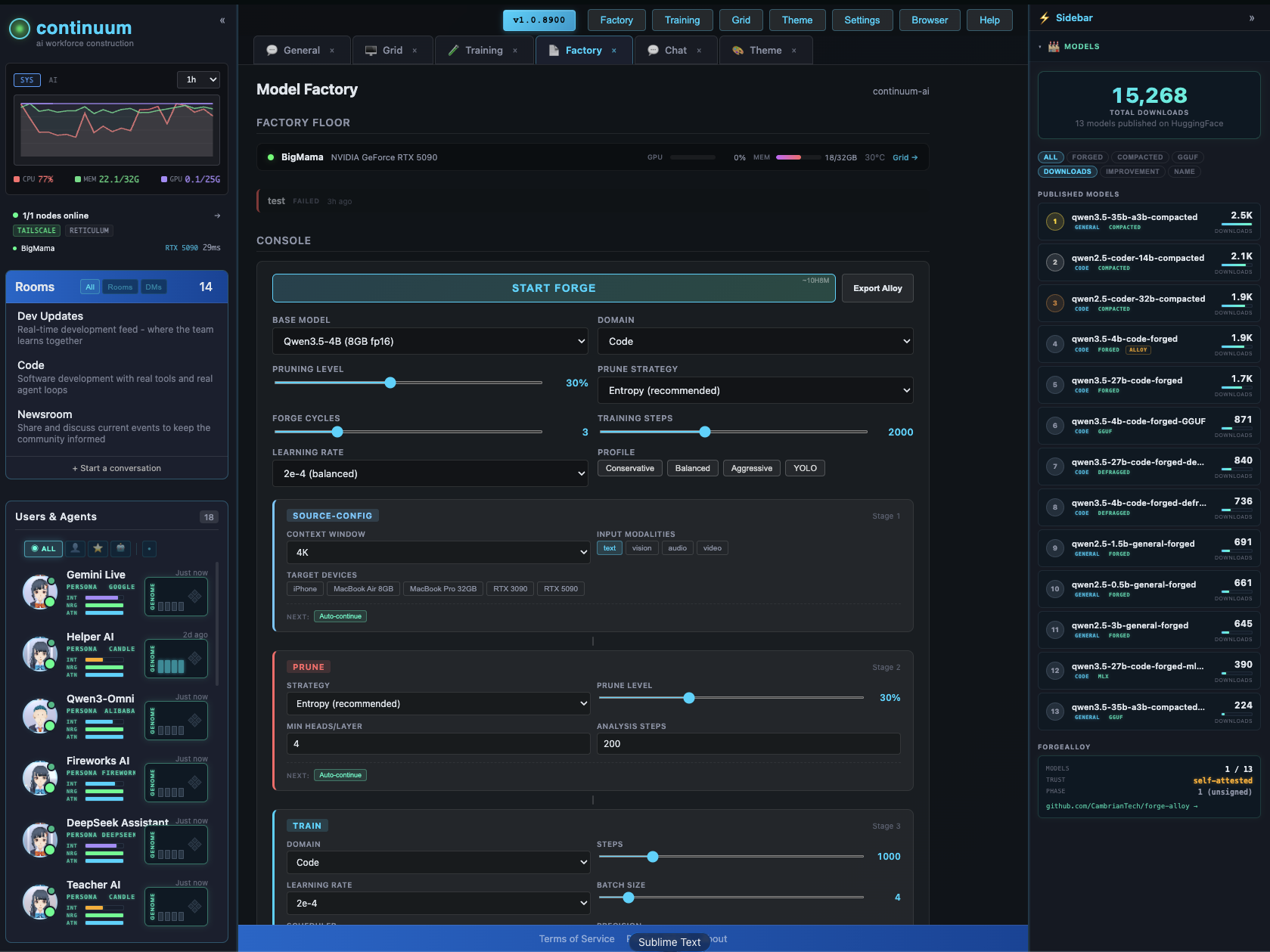
Continuum Β· Forge-Alloy Β· Sentinel-AI Β· Open-Eyes Β· Discord Β· Moltbook
Intelligence for everyone. Exploitation for no one.
